Catch visual
changes
before users do.
Capture screenshots, compare UI changes side-by-side, and ship annotated bugs to Jira or ClickUp — all from your desktop.
Free forever · Pro from $12/mo · 14-day trial included
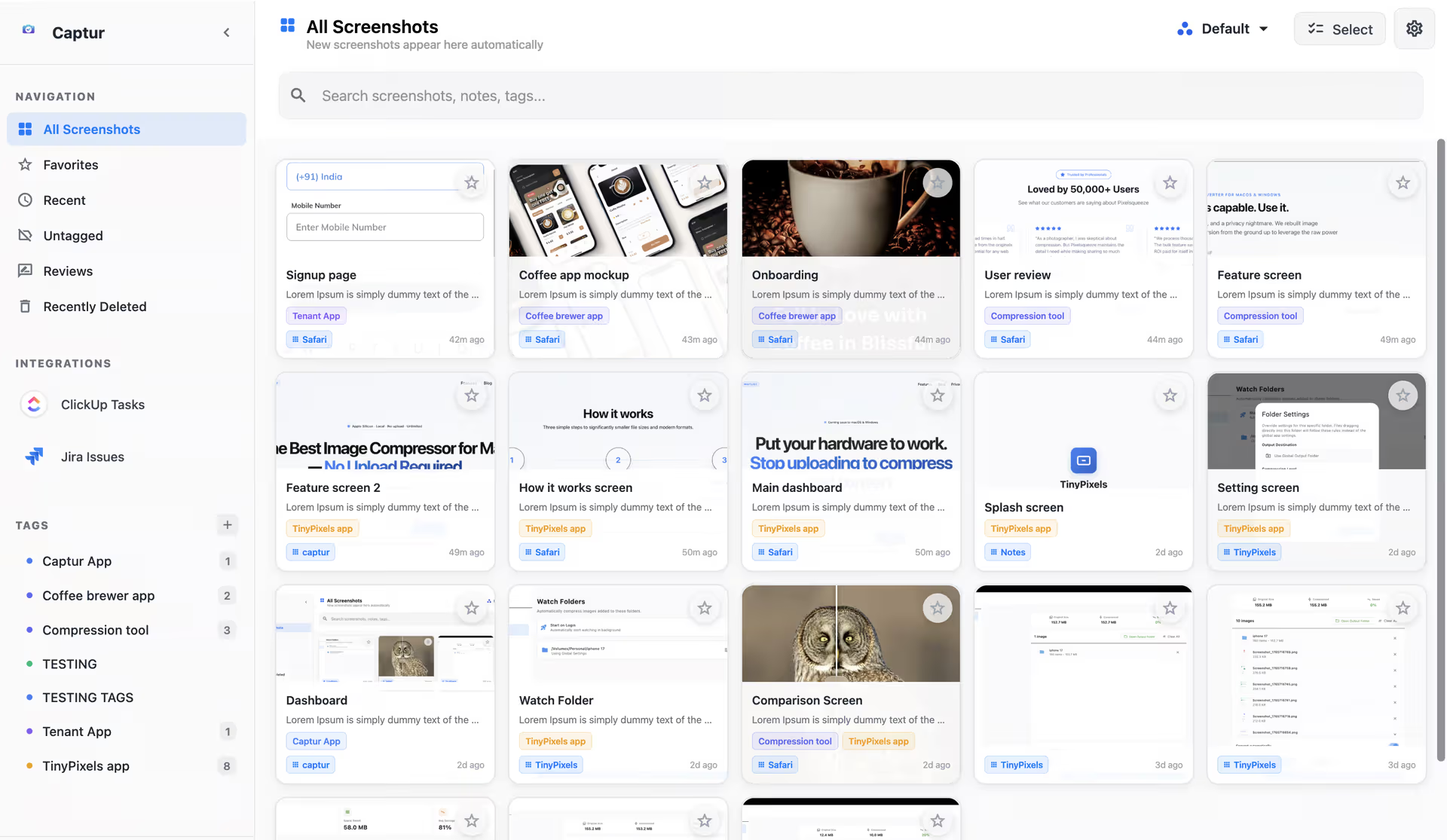
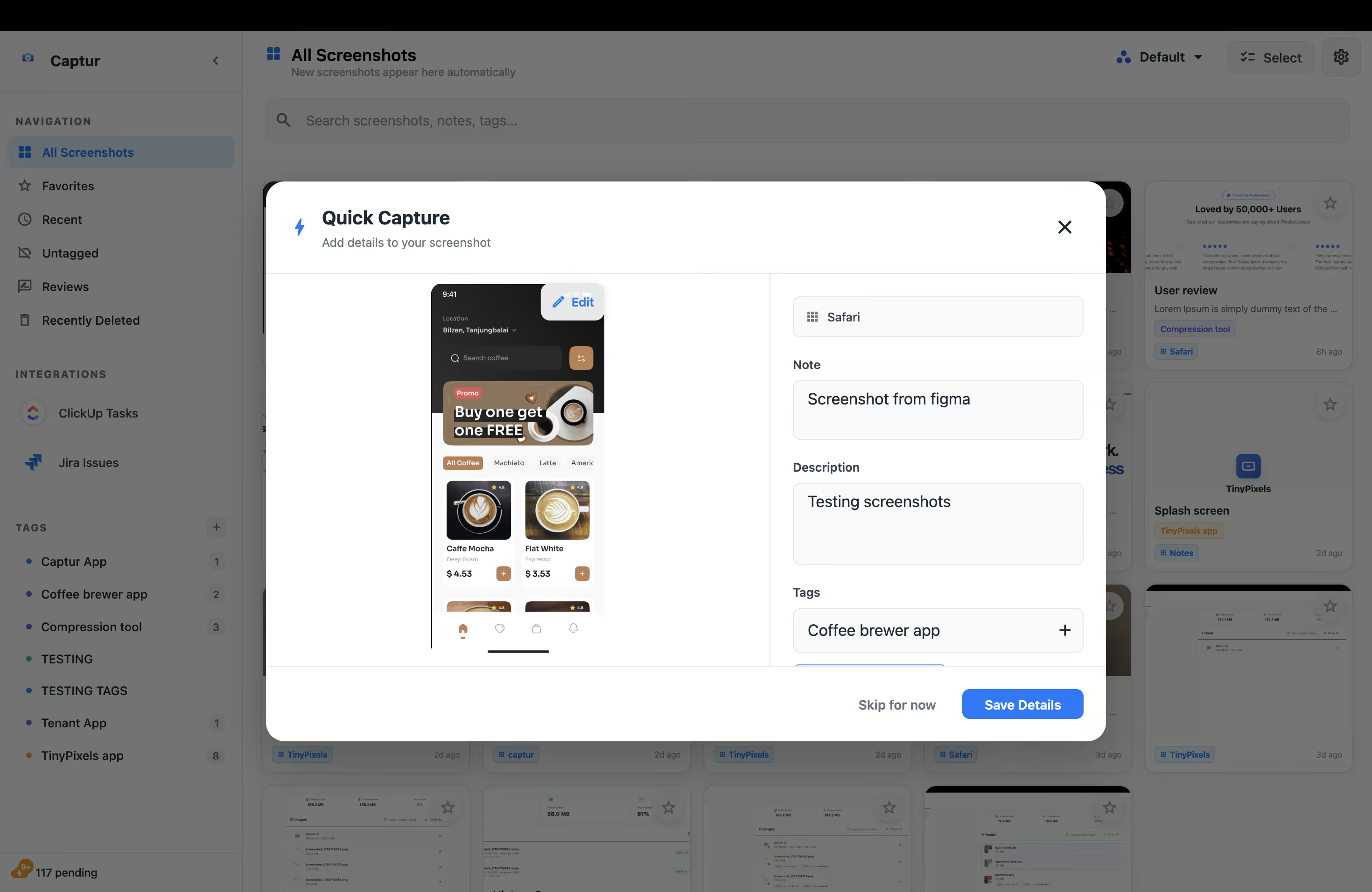
Capture in seconds
Every screenshot you take lands in your Captur library automatically. The Quick Capture dialog lets you add a note and tags before saving — no hunting through folders.
Compare with pixel precision
Load any two screenshots side-by-side. Enable sync zoom and the grid overlay to spot spacing issues, alignment shifts, and colour changes that the eye misses at normal size.
Create visual reviews
Group screenshots into a named Review. Add multiple versions as the UI evolves. Version history tracks every change from first draft to shipped.
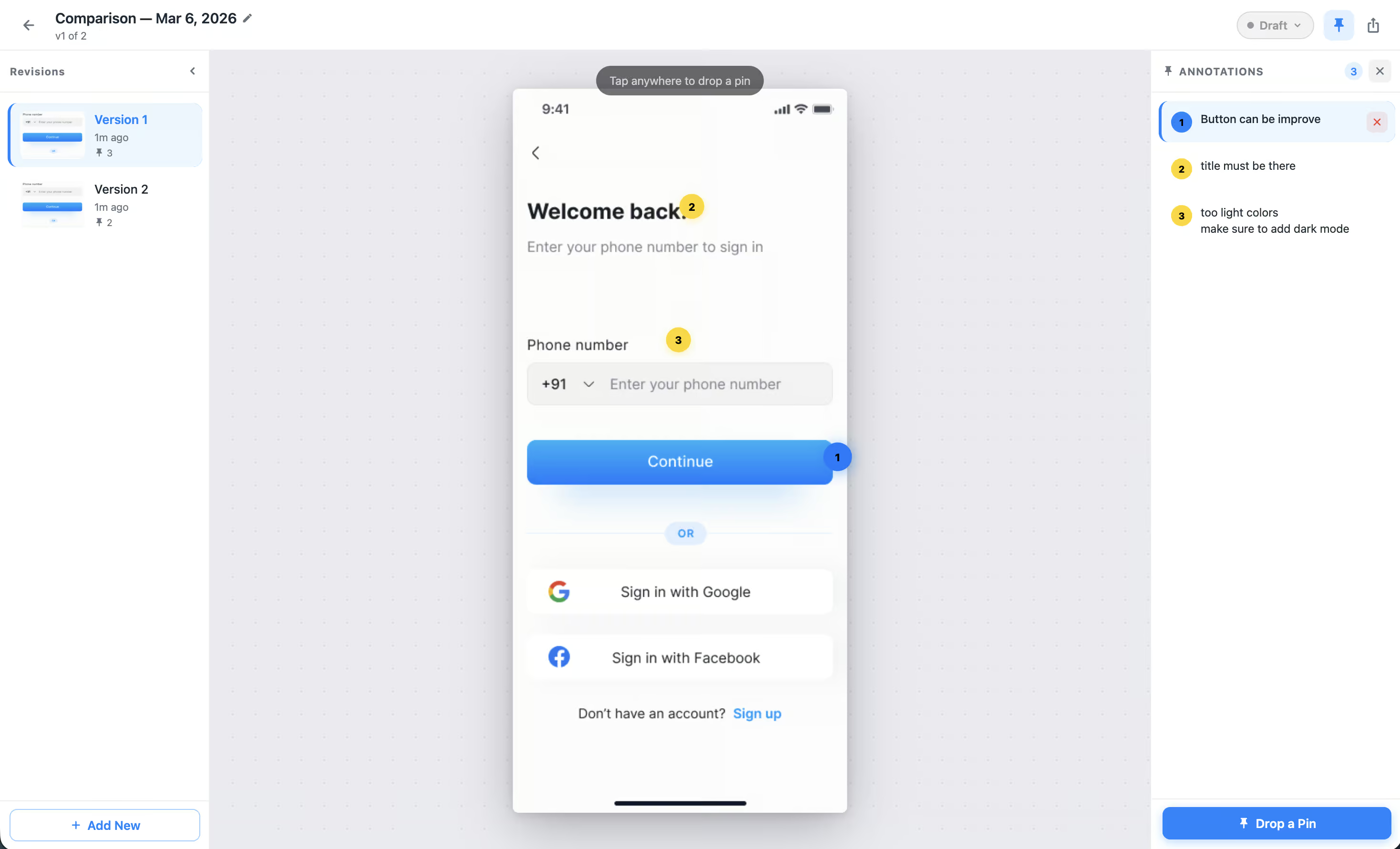
Export a shareable QA report
Turn any Visual Review into a polished PDF report — screenshots, annotations, and version history included. Share it with clients or your team without giving them app access.
Ship to ClickUp in one click
Hit Create ClickUp Task. The screenshot attaches automatically, title and description pre-filled, priority set. No tab-switching, no lost context.

Stop sending screenshots in Slack.
Join the waitlist. Be the first to know when Captur launches and get early access.
No spam. Launch updates only. Unsubscribe anytime.